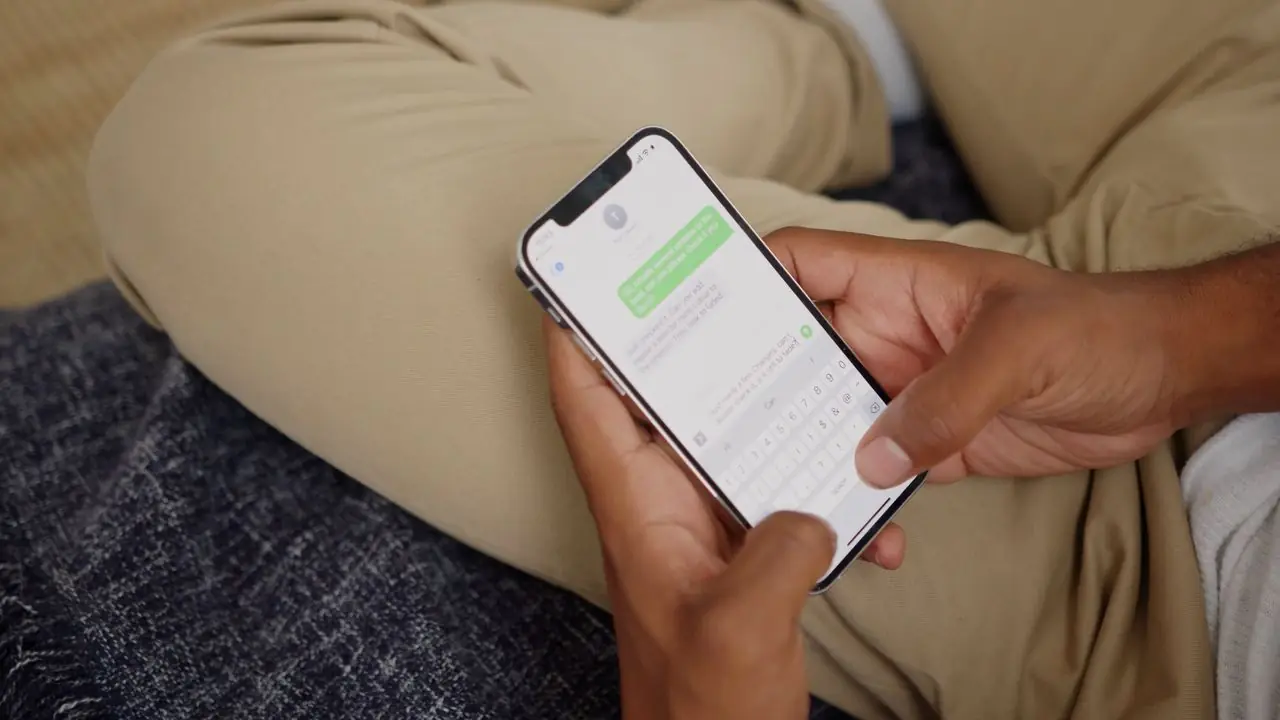
WhatsApp Chatbots on the Official Cloud API
WhatsApp is where your customers already are. We put an AI assistant in that thread that answers instantly, takes the order, confirms the booking and follows up — properly, on Meta's official API.
Why this matters
WhatsApp is not just another channel. For most businesses it is the channel — the one message people actually open, reply to, and keep in their thread history. It is also the one where a slow reply is most obvious, because your customer can see you were online.
We build on the official WhatsApp Cloud API rather than an unofficial bridge. That means your number stays safe, template broadcasts are permitted rather than risky, and you can run at volume without waking up to a ban. We handle the Meta Business verification, the number setup, the template submissions and the ongoing approvals so you never touch the Meta dashboard.
What the WhatsApp bot does
AI answers on your business data
Trained on your menu, catalogue, price list, services, hours and policies — so answers are specific and correct, not a generic FAQ deflection.
Order and booking flows
Multi-step conversations that collect exactly what you need — items, quantities, dates, party size, address, registration — and confirm at the end.
Template broadcasts
Scheduled, policy-compliant broadcasts to opted-in customers for offers, launches, notices and reminders, with delivery tracking in the portal.
Automated reminders
Appointment, booking, renewal and due-date reminders that go out on schedule, with confirm and reschedule options built into the message.
Confirmations and status updates
Order confirmations, dispatch notices, job-ready alerts and booking confirmations sent automatically when your team updates the portal.
Human takeover
Your team steps into any conversation from the portal in one click. The AI pauses, the human replies, and the AI resumes when the handover closes.
How we set WhatsApp up
- 1
Business verification and number setup
We take you through Meta Business verification, register your number on the Cloud API and configure the display name and profile. If your number is currently on the consumer WhatsApp app we plan the migration so you lose nothing.
- 2
Knowledge and flow build
Your business data becomes the bot's brain, and we build the specific flows your business runs on — ordering, booking, enquiry qualification or support.
- 3
Template submission and approval
Broadcast and reminder templates are written to Meta's rules, submitted, and revised until approved. You get a working library, not a rejection email.
- 4
Test, launch, tune
We test with your real questions, launch, then review the first weeks of transcripts and retrain on what customers actually asked.
What you need
- A phone number that is not currently active on the WhatsApp consumer or Business app (or one we migrate)
- A Facebook Business Manager account — we help you create or verify it
- Your business details for the WhatsApp profile: name, description, address, hours
- Your business data: menu, catalogue, price list, services or prospectus
Included with the service
- Cloud API setup, verification support and number registration
- AI training on your business data, refreshed as it changes
- Template writing, submission and approval management
- Broadcast scheduling and delivery tracking in the portal
- Human handover and hybrid mode
- Ongoing monitoring and retraining
This service follows our standard five-phase rollout — see how we work for the full timeline and who does what.
Where WhatsApp bots pay off most
Restaurants & Cafés
Take orders, reservations and delivery questions in chat — even when the kitchen is slammed and nobody can reach the phone.
See the playbook →Hospitals & Clinics
Book appointments, answer department and timing questions and cut no-shows — without ever giving medical advice.
See the playbook →Car Workshops & Dealerships
Book services, quote common jobs, chase due MOTs and answer parts questions without leaving the ramp.
See the playbook →Schools & Institutes
Handle admissions enquiries, fee and course questions and parent communication without an office full of phone calls.
See the playbook →Real Estate
Qualify buyers and tenants automatically, answer listing questions instantly and book viewings while the lead is hot.
See the playbook →Not your sector? See all industries we serve — or ask us about a custom build.
WhatsApp Chatbots — FAQs
Will using a bot get my WhatsApp number banned?
Not on the official Cloud API, which is what we use. Bans happen when businesses automate the consumer app or send unsolicited messages through unofficial bridges. We operate inside Meta's rules, with approved templates and opt-in handling built in.
Can I keep my existing WhatsApp number?
Usually yes — but a number can only live on one system at a time, so we plan the migration off the consumer app with you before we touch anything. If you would rather not risk it, a new number is a clean option.
Do I get the green tick?
The official verified badge is granted by Meta based on brand notability, not by us. Our setup is green-tick compatible and we help you apply, but the decision is Meta's.
What are WhatsApp's own charges?
Meta charges per conversation, priced by category and country, and that is billed on their side separately from your DialogHive plan. We estimate it with you before launch so there are no surprises.
Explore the rest of the platform
Instagram DM Automation
Turn the DMs your content generates into booked appointments and confirmed orders, before the interest cools.
Learn more →Facebook Messenger Bots
Make your page inbox work: instant AI answers, lead flows and ad follow-through with no one watching the tab.
Learn more →Website Chat Widget
One script tag, fully branded, powered by the same AI brain as your social channels. No plugins, no bloat.
Learn more →Broadcasts & Reminders
The outbound half of chat automation: scheduled campaigns and automated reminders that bring customers back.
Learn more →Lead Generation & Orders
Every conversation becomes a record: who they are, what they want, and what your team should do next.
Learn more →Analytics & Reporting
Know what your bot is actually doing: conversations, leads, ratings, busiest hours and the questions it keeps missing.
Learn more →Ready to put whatsapp chatbots to work?
Book a free demo and we'll show you exactly how this looks for your business — live in days, not months.