WhatsApp Automation for Car Workshops: Beyond Appointments to Revenue and Retention
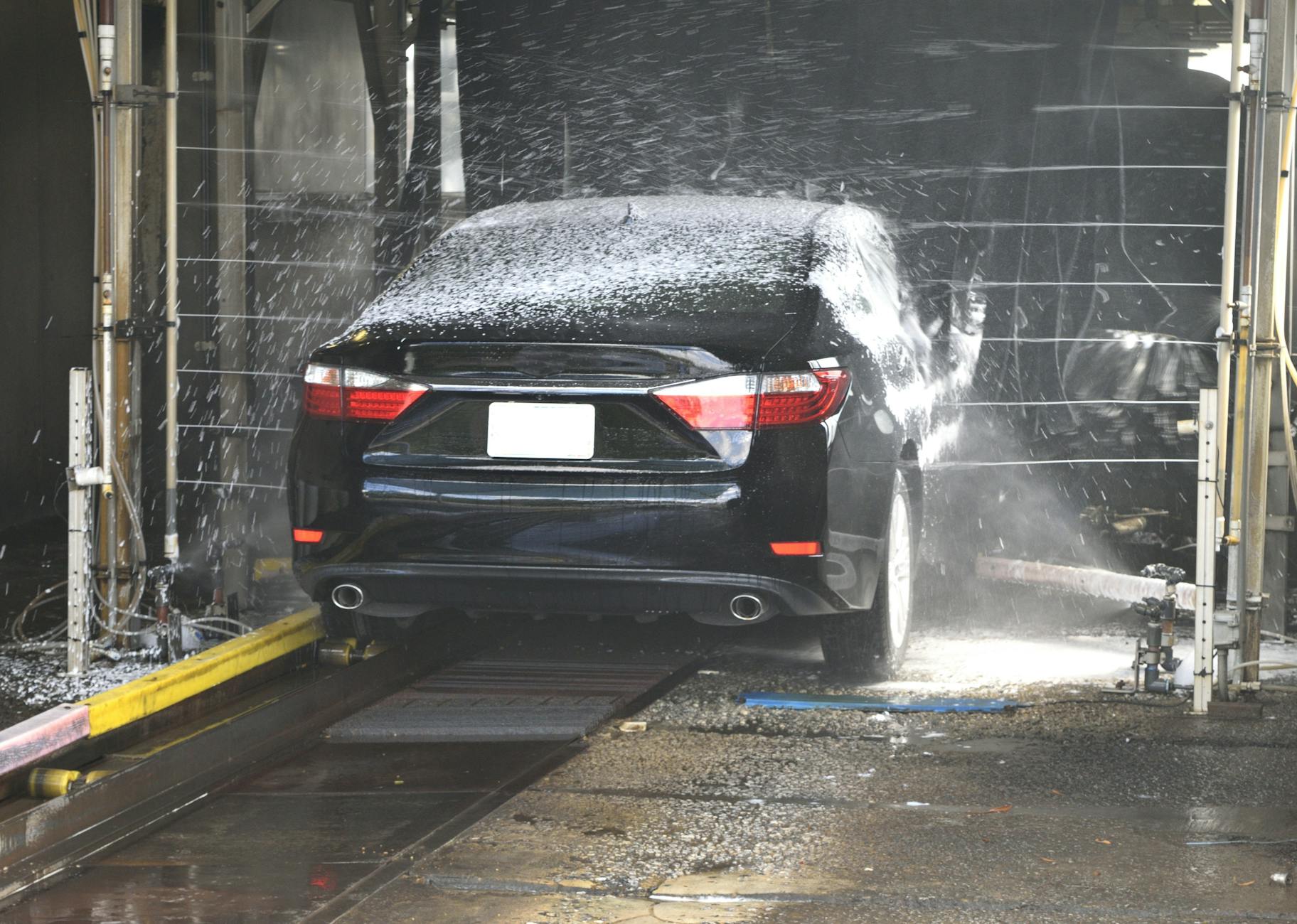
Why most car workshops automate WhatsApp wrong—and how to fix it
The obvious use for WhatsApp automation in car workshops is booking and reminders. But that’s just the start. The real value lies in what happens after the appointment: turning missed visits into cancellations, converting routine inquiries into opportunities for additional services, and maintaining engagement between customer visits. The problem? Most workshops limit automation to sending confirmation messages and reminders, missing the broader opportunities that can directly impact revenue.
The reason this happens is that customer behavior changes at each interaction. A reminder sent the day before an appointment alters the effort required to cancel—making it feel like more work than simply not showing up. A follow-up message after a service, asking, “Your brakes are due soon—would you like to schedule a check now?” transforms a passive customer into an active one. The difference between these approaches isn’t just about efficiency; it’s about increasing the long-term value each customer brings to your business.
Where workshops often go wrong is by treating automation as a one-way communication tool. A generic reminder like “Your appointment is tomorrow” tends to be ignored. In contrast, a message that says “Your car’s MOT is due tomorrow at 2 PM. If you need to reschedule, simply reply with a new time” turns passive recipients into active participants. The challenge is balancing more frequent messages with the risk of overwhelming customers. The solution is to ensure every automated message provides real value, not just transactional information.
How to turn missed visits into cancellations (without annoying customers)
Missed appointments don’t just mean lost revenue—they also damage trust. A customer who skips an appointment without notice is more likely to avoid your workshop in the future. While reminders are a common solution, many workshops send them too late or make them too easy to ignore.
The key here is understanding how people make decisions. The harder it is to cancel, the more likely a customer is to attend. A reminder that says “Your service is scheduled for tomorrow—please confirm your attendance” creates a mental barrier to cancellation. Including a direct rescheduling option (e.g., “Can’t make it? Tap here to pick a new time”) reduces the effort for cancellations while also addressing no-shows—because the customer who intended to cancel but didn’t reply is the one who’ll likely miss the appointment.
However, there’s a risk in over-automating cancellations. If the system handles every “I can’t make it” reply with a generic rescheduling prompt, it may miss nuanced situations. For example, a customer who says “I’ve had to cancel—my car broke down” needs empathy, not just a calendar link. The solution is to use automation for predictable cancellations (e.g., “I double-booked”) while ensuring a human can step in for more complex situations.
Where this approach fails is when workshops assume all cancellations are the same. They’re not. A last-minute cancellation for a minor service (like an oil change) has less impact than one for a major repair (such as a gearbox fix). Prioritize reminders for high-value appointments and make the cancellation process simpler for lower-value services to free up scheduling flexibility.
The hidden cost of ignoring post-service follow-ups
Most workshops stop communicating after a service is completed. This is a missed opportunity because customer interest in maintenance doesn’t end after a single visit. The reason is that a customer who books a brake service remains in a maintenance mindset for weeks afterward. A follow-up message—“Your brakes are now serviced. Your next maintenance check is due in six months—would you like to schedule it now?”—keeps your workshop top of mind.
The challenge is personalization. Sending the same message to every customer feels impersonal. The solution is to use data from their last visit. For regular customers, reference their car model (“Your Golf’s next service is due”). For first-time visitors, offer a loyalty incentive (“Book again within 30 days and receive a discount on your next MOT”).
Where this approach goes wrong is when workshops treat follow-ups as purely a sales tactic rather than a service tool. A message that says “We noticed you haven’t booked in a while—here’s a discount” feels transactional. A more effective approach is to frame it as care: “Your [Car Model]’s next service is due—let’s schedule it before winter to keep your vehicle running smoothly.”
The long-term risk is that ignoring follow-ups erodes trust. A customer who receives no communication after a service may assume you’ve forgotten them—or worse, that you don’t care. The fix is to automate reminders but keep the conversation human. Use WhatsApp’s quick replies to suggest next steps (“Need a part replaced? Tap here to chat with our team”), but ensure a real person handles the details.
How to upsell without sounding pushy
Upselling in car workshops can be tricky because customers don’t want to feel pressured, but they do want to avoid unexpected costs. The key is framing recommendations as helpful advice rather than sales pitches. For example, suggesting “Your tyres are wearing unevenly—replacing them now could prevent more costly repairs later” feels informative, not pushy.
While staff training is important for in-person upsells, many opportunities arise after the customer leaves—when they’re researching online or comparing prices. Automated WhatsApp messages can capture these moments by providing timely, relevant information.
Where this approach fails is when workshops rely on generic scripts. A message like “Add a service for just £X more” feels like a hard sell. A better approach is to explain the benefit: “We noticed your [Service]—many customers also book [Related Service] to extend its lifespan. Here’s how it works.”
Timing is also critical. Sending an upsell message immediately after a service can feel opportunistic. Waiting a few days allows the customer to reflect on their experience—and any issues that arose. For example:
“Hi [Name], your [Service] went smoothly last week. We noticed your [Car Model]’s [Part] was also due—many customers replace both at once to avoid future visits. Here’s how it could help.”
The risk of over-automating upsells is that customers may perceive the messages as inauthentic. To avoid this, use behavioral triggers—only message customers who’ve had related services before. For instance, if a customer booked brake work last time, suggest a suspension check now.
The pitfall of treating WhatsApp as a replacement for phone calls
Some workshops automate every interaction, including complex inquiries. The result is frustrated customers who can’t reach a human when they need one. The issue is that bots struggle with situations requiring judgment. For example, a generic response to “My car’s making a noise” like “We’ll check it—come in for a diagnostic” fails to address urgency. A human would ask follow-up questions (“When did this start? Is it a knocking or grinding sound?”) to prioritize the issue.
The solution is to use automation for repeatable, straightforward questions rather than complex judgments. Here’s how to decide what to automate:
| Question Type | Automate? | Why? | Example |
|---|---|---|---|
| Routine (hours, pricing) | Yes | No judgment needed—just provide info. | “What are your opening hours?” → “We’re open 8 AM–6 PM Monday–Friday.” |
| Service status | Yes | Trackable and predictable. | “Is my MOT ready?” → “Your MOT is ready—tap here to book collection.” |
| Urgent diagnostics | No | Requires human assessment. | “My car’s overheating—what should I do?” → Escalate to a mechanic. |
| Booking changes | (Partial) | Automate rescheduling, but let humans handle conflicts. | “Can I move my appointment?” → “Here are available slots—tap to confirm.” |
| Complaints | No | Needs empathy and resolution. | “I’m unhappy with my last service.” → Hand to a manager. |
The challenge is avoiding false escalations. If a bot misclassifies a question (e.g., treating “My oil light is on” as routine), it can frustrate customers. The fix is to use keyword filtering to recognize urgency cues (“emergency,” “broken,” “danger”) and escalate those immediately.
Where this approach fails is when workshops assume customers prefer automation over human interaction. In reality, customers prefer fast resolution. A bot that answers a simple question in seconds is better than a human who takes minutes. However, a bot that can’t handle complex issues will drive customers away.
What happens when you ignore message analytics
Many workshops set up automation and then forget about it. The result is messages that lose effectiveness over time. The reason is that customer habits change—what worked in January may fail in July due to shifts in booking patterns (e.g., more last-minute appointments in summer).
The solution is to track three key metrics and adjust accordingly:
- Response rate: If fewer customers reply to a reminder, the message may be unclear or sent at the wrong time.
- Example: A reminder sent at 9 AM gets fewer replies than one sent at noon, when people check their phones during lunch breaks.
- Conversion rate: If most customers who receive a follow-up message don’t act, the offer may not be compelling enough.
- Example: Adjusting the incentive from a generic discount to a specific, time-limited offer can improve responses.
- Escalation rate: If many “complex” questions are actually simple, the bot’s filters may be too restrictive.
- Example: A customer asking “How much for a new battery?” should be handled directly by the bot if pricing is standard.
The long-term risk is that ignoring these metrics leads to “set and forget” automation. A reminder that worked for months may suddenly fail because customer behavior changed. The solution is to set up regular performance reviews and test different message versions:
- Version A: “Your appointment is tomorrow at 2 PM.” (Lower response rate)
- Version B: “Tomorrow at 2 PM—your [Service]. Reply ‘REMIND’ if you need a nudge.” (Higher engagement)
Frequently Asked Questions
How do I handle customers who spam my WhatsApp with questions?
Use keyword-based filters to block obvious spam (e.g., “free oil change,” “click this link”). For legitimate but repetitive questions (e.g., “Do you take cash?”), create a FAQ section in your bot and train it to direct customers there. If spam continues, add a human review step for messages that don’t fit expected patterns.
Can I use WhatsApp automation for parts sales?
Yes, but focus on high-margin, low-effort items—like oil filters, air filters, or battery replacements. Automate the recommendation (“Your oil filter is due—order now for £X”) but allow customers to discuss options with a human before purchasing. Avoid pushing complex parts (e.g., tires) through automation.
What’s the best time to send automated reminders?
Test these time slots based on your customer behavior:
- Morning (8–9 AM): Catches customers checking phones before work.
- Lunchtime (12–1 PM): High engagement for service reminders.
- Evening (6–7 PM): Works for appointments the next day.
Avoid sending reminders after 8 PM unless you’ve confirmed your audience’s habits (e.g., shift workers).
How do I stop customers from asking the same questions repeatedly?
Implement a three-strike rule:
- First repeat: Answer with a link to your FAQ or a pre-written response.
- Second repeat: Warn them (“This question is answered in our FAQ—here’s the link”).
- Third repeat: Escalate to a human with a note (“Customer keeps asking about [X]—please assist”).
Is WhatsApp automation worth it for a single-location workshop?
If you handle 20+ customer inquiries per day, automation can save time. For smaller workshops, start with bookings and reminders (basic automation) and expand as you identify repeatable questions. The goal is not to replace staff but to free them for high-value tasks, like upselling or handling complaints.
For a solution tailored to your workshop’s exact needs—including reducing missed appointments, optimizing upsell opportunities, and ensuring smooth human handoffs—see it in action for your business.
Want this working for your business?
DialogHive builds AI chatbots for WhatsApp, Instagram, Messenger and websites — see our services, pricing or book a free demo.